
Data Backup Appliance: Buyer’s Guide
For organisations that keep critical data on-site, a data backup appliance can simplify backups, speed recovery, and add an extra layer of security. This guide helps small and growing businesses compare options, size appliances, and deploy them alongside cloud backup strategies.
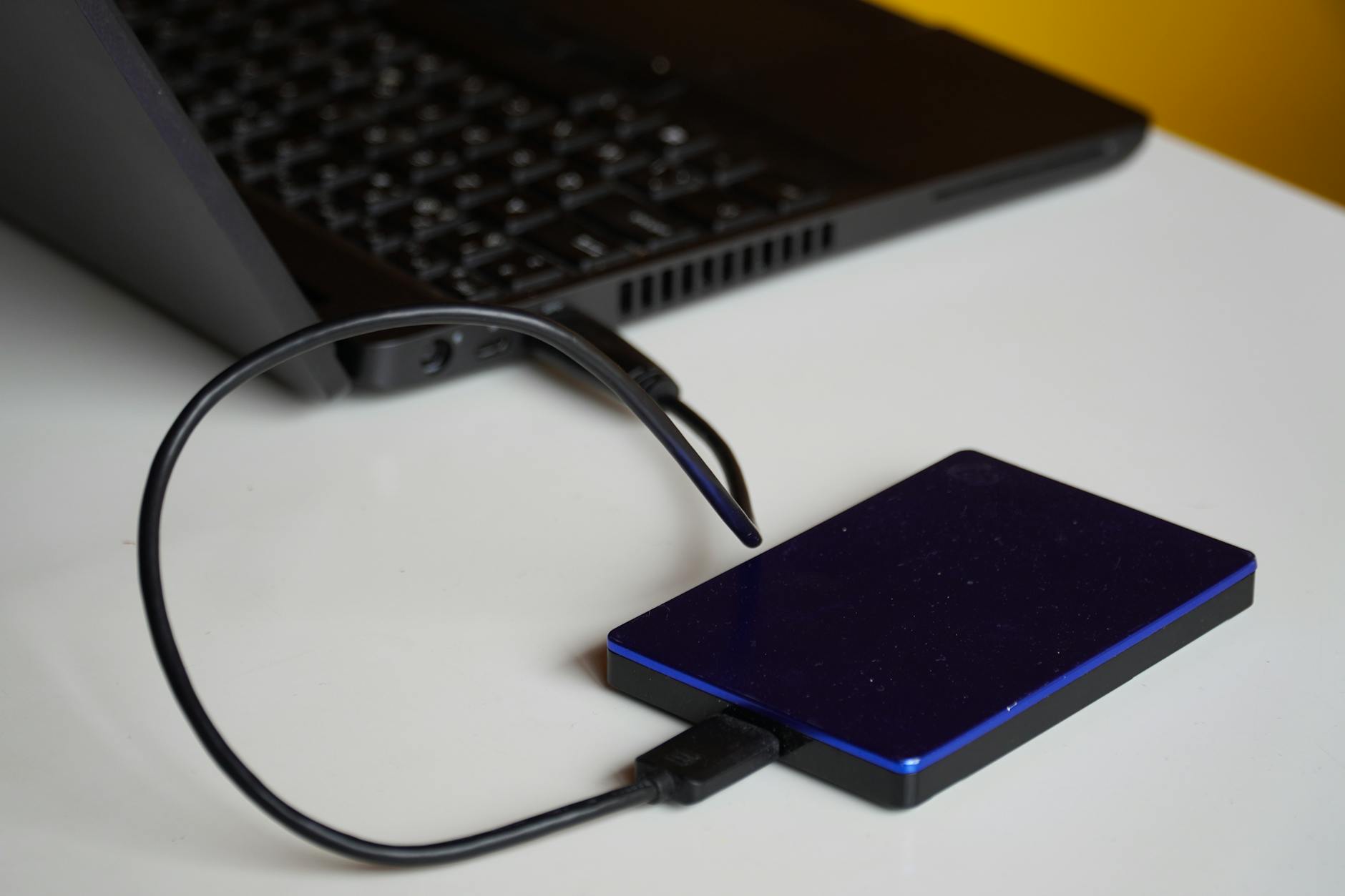
What is a data backup appliance?
A data backup appliance is a purpose-built hardware device that combines storage, backup software, and management tools in a single on-prem unit. Appliances range from compact desktop boxes for branch offices to rack-mounted systems for datacentres. They are designed to streamline backups, accelerate restores, and often provide features such as deduplication, encryption, snapshotting and cloud replication.
Why businesses choose a backup appliance
- Fast local restores: Restoring large files or full systems from local appliance storage is typically much faster than downloading from cloud-only backups.
- Simplified operations: Appliances are turnkey: hardware, software and management bundled for easier setup and maintenance.
- Ransomware protection: Many appliances offer immutable snapshots, air-gapped replication or WORM storage to resist tampering.
- Hybrid options: Appliances can replicate to the cloud for offsite protection—combining speed and resilience.
- Predictable costs: On-prem capacity and predictable upgrade paths may simplify budgeting compared to variable cloud egress and storage charges.
Types of data backup appliance
Edge / desktop appliances
Small form-factor devices for branch offices or small businesses. Good for fast local backups and quick bare-metal restores.
Rack-mounted appliances
Enterprise-style units with higher capacity, redundancy, and throughput for datacentres and larger offices.
Virtual / software appliances
Software packages packaged as virtual appliances that run on existing servers—useful when dedicated hardware is unwanted but appliance features are needed.
Appliance + cloud gateway
Appliances that replicate to cloud object storage to provide offsite retention and long-term archival.
Key features to evaluate
When selecting a data backup appliance, assess these core capabilities:
- Storage efficiency: Deduplication and compression reduce capacity needs and lower costs.
- Recovery options: File-level restore, system image restore, and bare-metal recovery speeds matter for uptime.
- Snapshot & immutability: Immutable snapshots or WORM protect backups from being altered by attackers.
- Replication & cloud integration: Native replication to cloud services or secondary appliances for offsite protection.
- Encryption & key management: Data-at-rest and in-transit encryption, plus secure key control (customer-managed keys where possible).
- Management & reporting: Intuitive dashboard, alerts, automated testing of backups, and audit logs.
- Performance & bandwidth control: Backup window sizing, WAN acceleration, and throttling for busy networks.
- Hardware resilience: Redundant power, RAID or erasure coding, and hot-swappable components.
Sizing and capacity planning
Correct sizing avoids under-provisioning or expensive over-buying. Use this approach:
- Inventory current data and growth rate (daily/weekly change).
- Estimate retention: how many restore points and for how long?
- Factor in deduplication and compression savings (vendor estimates vary).
- Plan headroom for unexpected growth and additional workloads.
- Include replication targets and offsite copies in capacity calculations.
Run a pilot to validate dedupe ratios and performance with your real data before committing to long-term purchases.
Deployment, integration and operational tips
- Keep a hybrid stance: Use the appliance for fast restores and replicate backups to cloud for offsite durability.
- Test restores regularly: Automated backup tests and periodic full restores validate recoverability.
- Segment network traffic: Backups can saturate LAN/WAN—use VLANs, QoS or dedicated backup windows.
- Secure management access: Limit admin interfaces to management networks and use MFA where supported.
- Monitor capacity and health: Use alerting to track run-outs, failing drives, and replication delays.
Security considerations
Protect the appliance like any critical infrastructure:
- Enable encryption in transit and at rest.
- Prefer immutable snapshots or write-once retention for ransomware resilience.
- Keep appliance firmware and backup software patched.
- Use least-privilege accounts and strong authentication.
- Replicate offsite (cloud or secondary appliance) to protect against site-wide incidents.
Authoritative guidance: NIST and ENISA recommend immutable backups and regular testing as core ransomware defenses — see NIST SP 800-184 and ENISA guidance for more detail.
Cost vs cloud-only alternatives
Appliances mean capital or managed hardware costs, power and maintenance. Cloud-only backups shift costs to operating expenses with variable storage and egress fees. A hybrid model often offers the best of both: appliance for fast local recovery, cloud for offsite durability and long-term retention.
Consider total cost of ownership (TCO): hardware, support contracts, network upgrades, and potential cloud egress during restores.
Practical buying checklist
- Does it support immutable snapshots and ransomware controls?
- Can it replicate to cloud providers you prefer?
- Are deduplication and compression effective for your data types?
- What restore speeds can you expect for full-system vs file restores?
- Is management simple and can it integrate with your monitoring stack?
- Are software updates and support SLAs acceptable?
- What is the upgrade path for capacity and performance?
When an appliance makes most sense
Consider an appliance if you need:
- Very fast recovery times for on-site systems.
- Predictable performance and local restore windows.
- Enhanced ransomware protections (immutable snapshots, air-gapped replication).
- Lower long-term cost for high-volume backup/restore operations when compared to cloud egress fees.
If your needs are simple and you prefer fully managed solutions, evaluate cloud backup options or hybrid approaches—AgooCloud’s managed services can be used alongside appliances for offsite replication and long-term retention; see our Backup for Small Business page for recommended workflows and pricing.
How appliances fit the Backup Software & Tools ecosystem
A data backup appliance often includes or pairs with backup software. For a broader comparison of software-first and cloud-first options, consult our pillar post Backup Software & Tools. Use that guide to decide whether the appliance’s built-in software meets your policy needs or whether you should integrate appliance storage with your existing backup platform.
Conclusion
A data backup appliance is a strong choice when your organisation needs fast local restores, predictable performance, and enhanced on-site protections. Pair an appliance with offsite replication (cloud or secondary appliance), enforce immutable retention, and test restores regularly to build a resilient backup strategy. For small businesses seeking a managed hybrid backup, explore AgooCloud’s options and guidance at Backup for Small Business.
Frequently asked questions
What exactly is a data backup appliance?
A data backup appliance is a preconfigured hardware device that combines storage, backup software, and management features to perform on-premise backups and fast restores.
Do small businesses need a backup appliance or is cloud enough?
Many small businesses benefit from hybrid setups: an appliance for quick local restores plus cloud replication for offsite durability. Pure cloud can work, but local appliances reduce restore times and dependence on internet bandwidth.
How do I size an appliance for my data?
Inventory current data, project growth, choose retention period, and apply expected deduplication/compression ratios. Pilot with representative data to validate vendor claims before purchase.
How should I secure an appliance against ransomware?
Use immutable snapshots or WORM retention, enable encryption, restrict management access, patch firmware, and replicate backups offsite to a separate location or cloud provider.