
WD Backup Software: What It Is and How to Use It
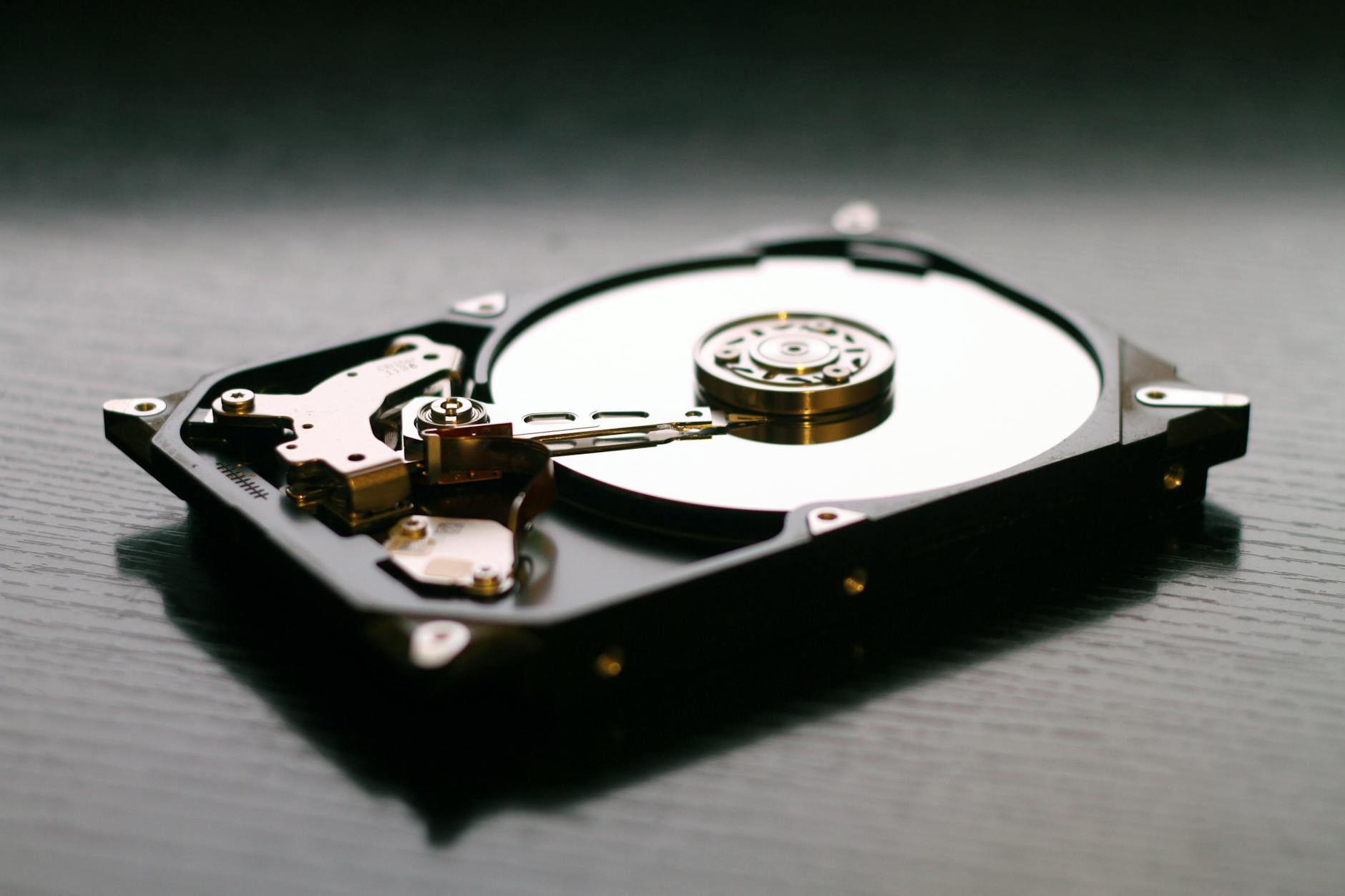
WD backup software is the set of desktop utilities Western Digital provides (or has provided) to copy files and schedule backups to WD external drives. This guide explains how these tools work, gives quick setup steps, lists common problems and fixes, and suggests modern alternatives — including cloud options to keep your data safe.
How WD backup software typically works
WD utilities are designed for simple local backups to a connected WD external hard drive. Key behaviors you can expect:
- File and folder selection: choose what to back up (documents, pictures, etc.).
- Scheduled or manual backups: run hourly, daily or on demand.
- Incremental backups: after the first full copy, only changed files are copied.
- Restore options: recover individual files or entire folders from the drive.
Quick setup: using WD backup software with a WD drive
- Connect the WD external drive to your PC and wait for Windows to recognise it.
- Download the appropriate WD utility or visit WD Support for the latest tool: support.wdc.com.
- Install and open the WD utility, then select folders or file types to back up.
- Choose your WD drive as the backup destination and set a schedule (daily is common).
- Run the initial backup and verify files were copied. Keep the drive connected at scheduled times or use a consistent routine.
Common problems and quick fixes
Drive not recognised
If Windows doesn’t detect the drive: try a different USB port, test the drive on another computer, or check Disk Management to assign a drive letter.
Backup fails or stalls
Check for antivirus interference, ensure enough free space on the drive, and confirm the WD utility is up to date. If a particular file causes failure, temporarily exclude it and retry.
Software compatibility
WD tools historically targeted Windows. For Mac, verify the tool supports macOS or use Time Machine (or a third-party Mac backup app).
Is WD backup software still the best choice?
WD’s utilities are convenient for basic local backups to WD drives. But for long-term protection you should use a hybrid approach: local copies for fast recovery plus an offsite/cloud copy for disaster protection. This follows the 3-2-1 rule: keep at least three copies of your data, on two different media, with one copy offsite.
Better alternatives and complements
Depending on your needs, consider:
- Cloud backups for offsite copies — AgooCloud provides automated encrypted cloud backup for individuals and small businesses: Backup for Individuals and Backup for Small Business.
- Disk-imaging tools (full system images) such as Macrium Reflect for bare-metal recovery: Macrium Reflect.
- Enterprise or server-focused options (Veeam, Acronis) when you need VM or server backups.
Troubleshooting checklist before switching tools
- Confirm the WD utility is the latest version — check WD support for updates.
- Try backing up to a different external drive to rule out hardware faults.
- Test file restores regularly — a backup that can’t be restored is useless.
- Combine local WD backups with a cloud copy for resilience.
How this fits into a complete backup strategy
WD backup software is a useful local layer, but it shouldn’t be the only layer. For guidance on choosing backup tools and building a multi-layered plan, see our pillar post Backup Software & Tools, which compares backup types and recommended setups.
Internal links and related resources
- Need cloud backups as well as local copies? See Backup for Individuals.
- Small business protection strategies: Backup for Small Business.
- Server or image-based recovery: Bare Metal Backup Software.
Conclusion
WD backup software is a solid choice for straightforward local backups to WD external drives, but it works best as one part of a broader strategy. Combine WD-based backups with an offsite/cloud copy and regular restore tests to ensure your data remains recoverable. For a full comparison of backup approaches and recommended tools, visit our Backup Software & Tools guide.
Frequently asked questions
Is WD backup software compatible with macOS?
Some WD utilities are Windows-only. Check the tool’s system requirements on WD Support (support.wdc.com). For Mac users, Time Machine or a Mac-specific third‑party app is usually a better fit.
Can I use a WD drive with AgooCloud?
Yes. You can keep a local copy on a WD drive and use AgooCloud for automated offsite backups. This provides fast local restores plus cloud redundancy — a recommended 3-2-1 approach.
What if my WD backup software stops receiving updates?
If updates stop, evaluate alternatives (disk-imaging tools or third-party backup apps) and consider cloud backup to reduce dependence on a single vendor. See our Backup Software & Tools pillar for options.
How often should I test a restore?
Test restores at least quarterly or after any major system change. Regular restore tests prove your backups are usable when you need them.
Does WD backup software support encryption?
Encryption support varies by WD tool. If encryption is essential, use a backup or disk-imaging product that advertises end-to-end encryption, or store encrypted archives on the WD drive. For cloud backups, confirm the provider’s encryption policies.